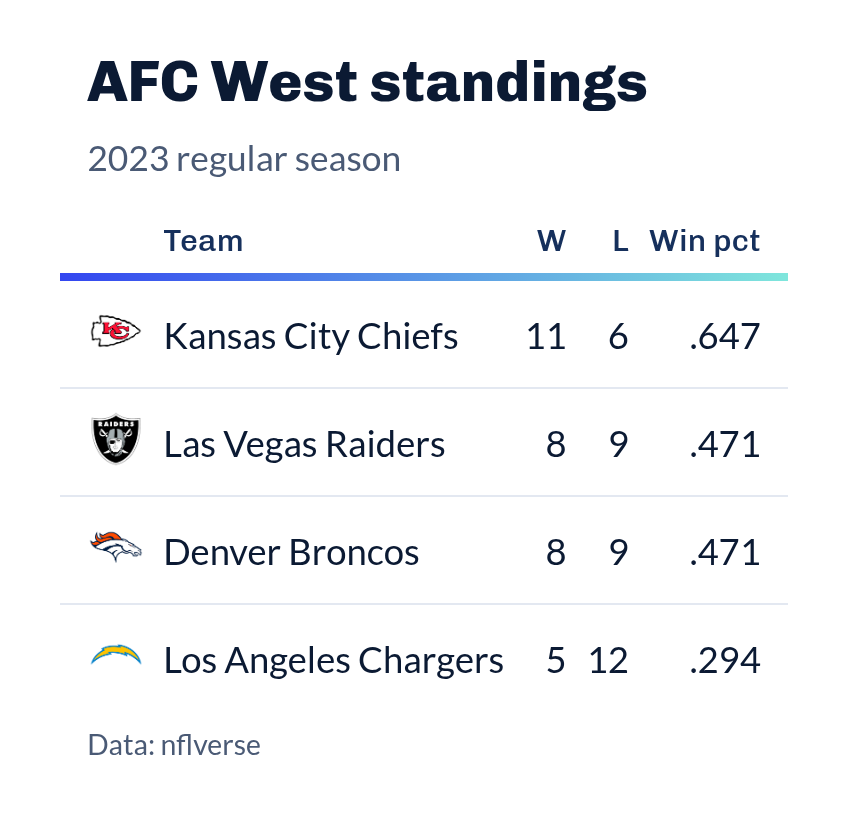
The SportsDataverse house table: Chivo titles and column labels, a Lato body
set in tabular figures, faint row dividers, and the SDV gradient
(#3346F0 to #7FE6DC) drawn as a single horizon line under the column
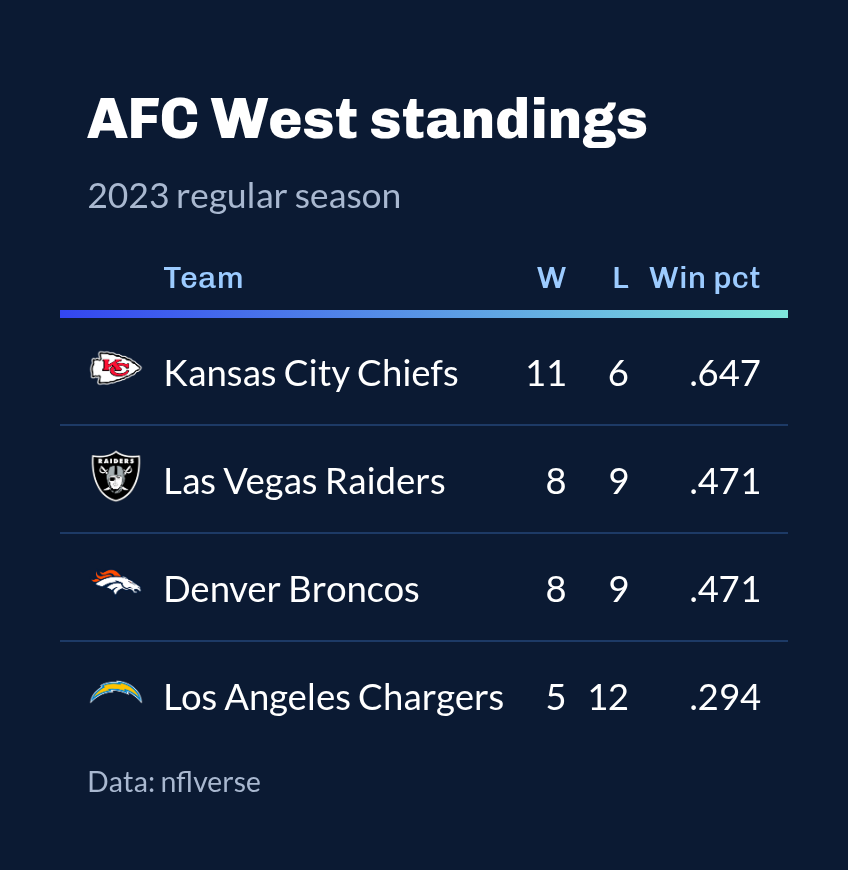
labels. style = "dark" sets the same table on the SportsDataverse navy,
matching the dark mode of the package websites.
Arguments
- gt_object
A
gttable object to modify.- style
Character.
"light"for a white table, or"dark"for the SportsDataverse navy. Defaults to"light".- density
Character. The type and padding scale. One of
"comfortable","compact", or"social". See Density. Defaults to"comfortable".- ...
Additional arguments passed to
gt::tab_options, applied last so they override anything the theme sets.
Details
The gradient line is the theme's one accent; everything else stays quiet so
logos from gt_sdv_logos() and team colors carry the table. Titles and the
heading are left-aligned. Column labels keep the case you give them rather
than being forced to capitals. For a table dressed in one team's colors, see
gt_theme_sdv_team().
The line under the column labels is a CSS ::after element. gt's CSS inliner
removes those, so gt::as_raw_html(inline_css = TRUE) output (as used for
email) shows the table without it; knitted documents, websites and images
saved with gt_save_crop() keep it.
Density
density scales the theme's type and row padding together. "comfortable"
leaves every size as the theme sets it, "compact" scales both down, and
"social" scales both up, to the scale gt_save_crop() and
gt_social_crop() export at.
See also
gt_theme_sdv_team(), theme_bg for the background to pad a saved
image with.
Examples
library(gt)
standings <- data.frame(
team = c("KC", "LAC", "DEN", "LV"),
w = c(15, 11, 10, 4), l = c(2, 6, 7, 13)
)
gt(standings) |>
gt_sdv_logos(columns = "team", sport = "nfl") |>
tab_header("AFC West standings", "Through week 18") |>
gt_theme_sdv()
AFC West standings
Through week 18
gt(standings) |> gt_theme_sdv(style = "dark", density = "social")